Modular Pattern Elements
Main Navigation Bar
HTML
<nav class="nav-container" id="nav-hide">
	<div class="nav-home">
		<a href="./index.html" class="h2-nav-home home">it's Sabrina</a>
	</div>
	<div class="nav-tabs">
		<ul>
			<li class="nav-tabs-item"><a href="#projects" class="h2-nav nav-selected">projects</a></li>
			<li class="nav-tabs-item"><a href="./playground.html" class="h2-nav">playground</a></li>
			<li class="nav-tabs-item"><a href="./about.html" class="h2-nav">about</a></li>
		<ul>
	</div>
</nav>
Javascript
<script>
	var prevScrollpos = window.pageYOffset;
	window.onscroll = function() {
	var currentScrollPos = window.pageYOffset;
	  if (prevScrollpos > currentScrollPos) {
	    document.getElementById("nav-hide").style.top = "0";
	  } else {
	    document.getElementById("nav-hide").style.top = "-60px";
	  }
	  prevScrollpos = currentScrollPos;
	}
</script>
Footer
HTML
<footer>
	<div class="footer-left">
		<h2>© 2020 by Sabrina He.</h2>
	</div>
	<div class="footer-right">
		<div class="footer-tabs">
			<ul>
				<li class="footer-tabs-item"><a href="./styleguide.html" class="h2-nav">styleguide</a></li>
				<li class="footer-tabs-item"><a href="./citations.html" class="h2-nav">citations</a></li>
			</ul>
		</div>
	</div>
</footer>
Project Preview
Ensemble
UX/UI Design
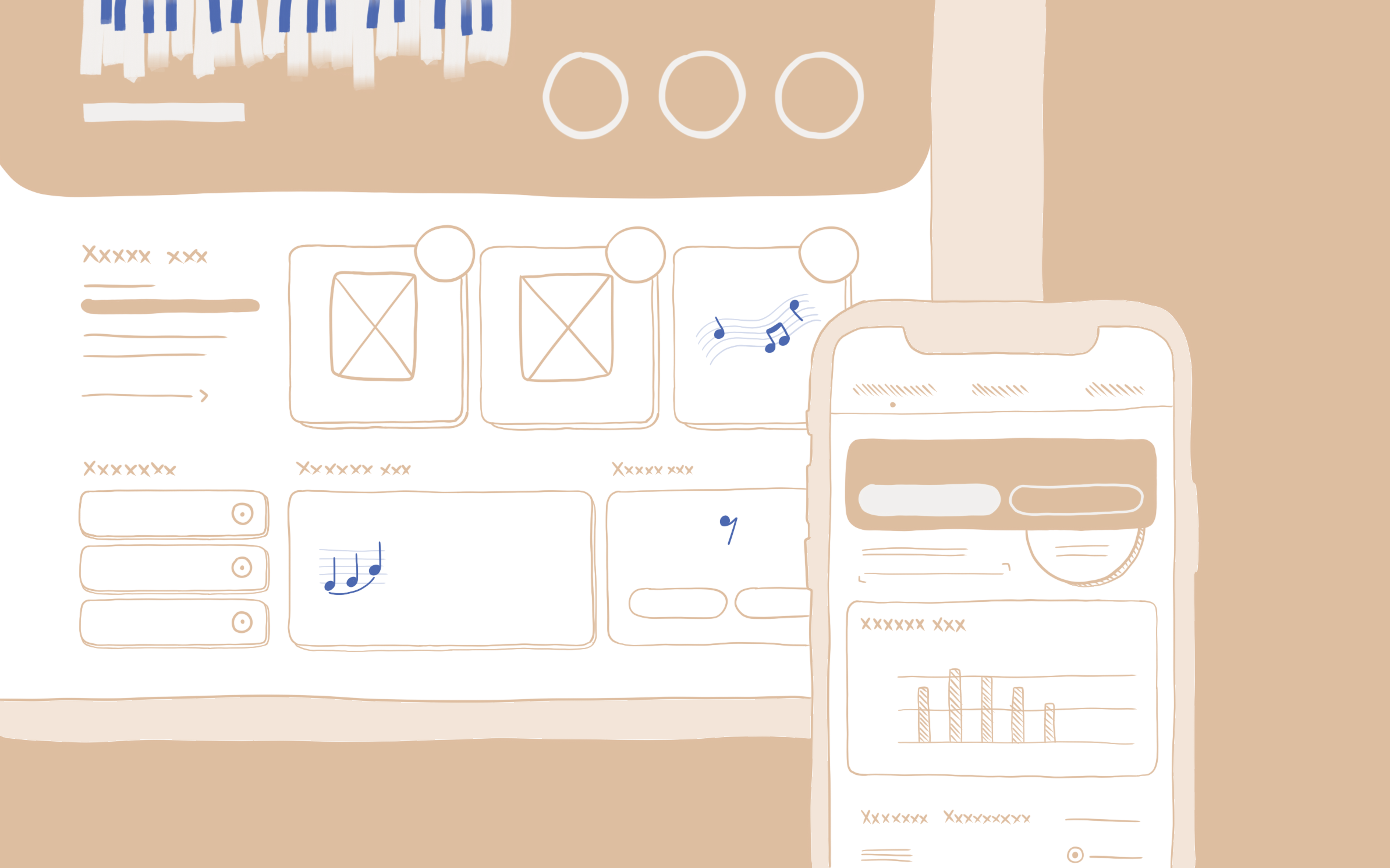
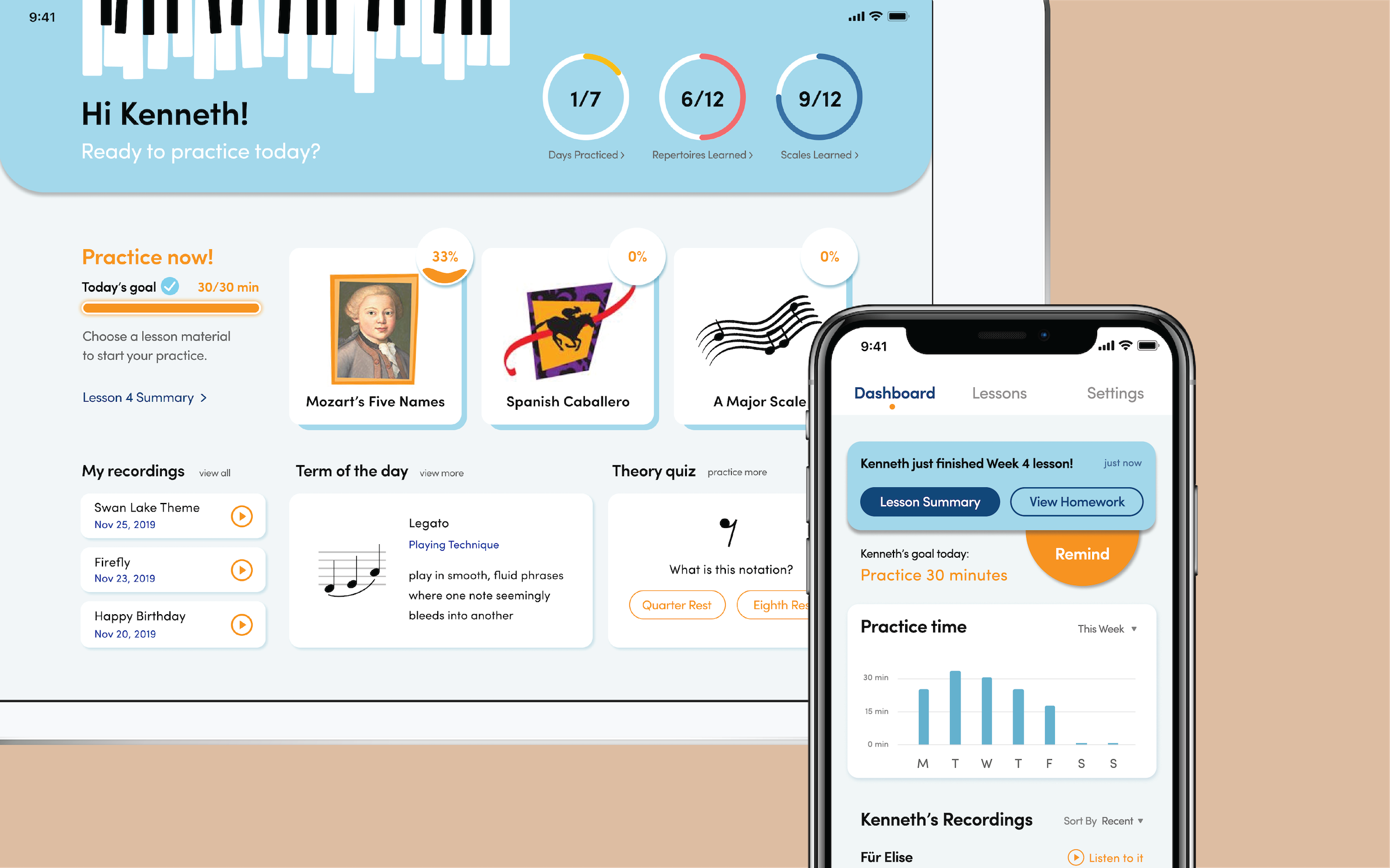
HTML
<div class="project-container">
	<div class="single-project">
		<div class="project-name-container">
			<h3 class="project-item"><a href="./project-ensemble.html" class="project-name">Ensemble</a></h3>
			<p class="project-item">UX/UI Design</p>
		</div>
		<div class="project-img-reveal">
			<a href="#">
				<img src="img/ensemble-preview.png" alt="illustrated ensemble app">
				<img src="img/ensemble-hover.png" alt="ensemble app mockups" class="change-img">
			</a>
		</div>
	</div>
</div>
CSS
.landing{
	margin-top: 10rem;
	margin-bottom: 10rem;
	/*height: 100vh;*/
}

.project-container{
	margin: 1.5rem 0 3rem 0;
}

.project-list{
	margin-bottom: 5rem;
}

.project-img-reveal{
	display: inline-block;
	position: relative;
}

.project-img-reveal .change-img {
    display: none;
    position: absolute;
    top: 0;
    left: 0;
    z-index: 99;
}

.project-img-reveal:hover .change-img {
    display: inline;
}
Accordion List
1. Item 1
Description.
2. Item 2
Description.
3. Item 3
Description.
HTML
<details>
	<summary>1. Item 1</summary>
	<p>Description.</p>
</details>
<details>
	<summary>2. Item 2</summary>
	<p>Description.</p>
</details>
<details>
	<summary>3. Item 3</summary>
	<p>Description.</p>
</details>
CSS
details > p {
  padding: 0 1.2rem;
}

details > summary:hover, details > summary:active, details > summary:focus{
	color: #5773C7;
	text-decoration: overline;
	text-decoration-color: #5773C7;
}

summary::-webkit-details-marker{
  color: #3B3B3B;
  opacity: 0.6;
}
Image Arrangement in Playground
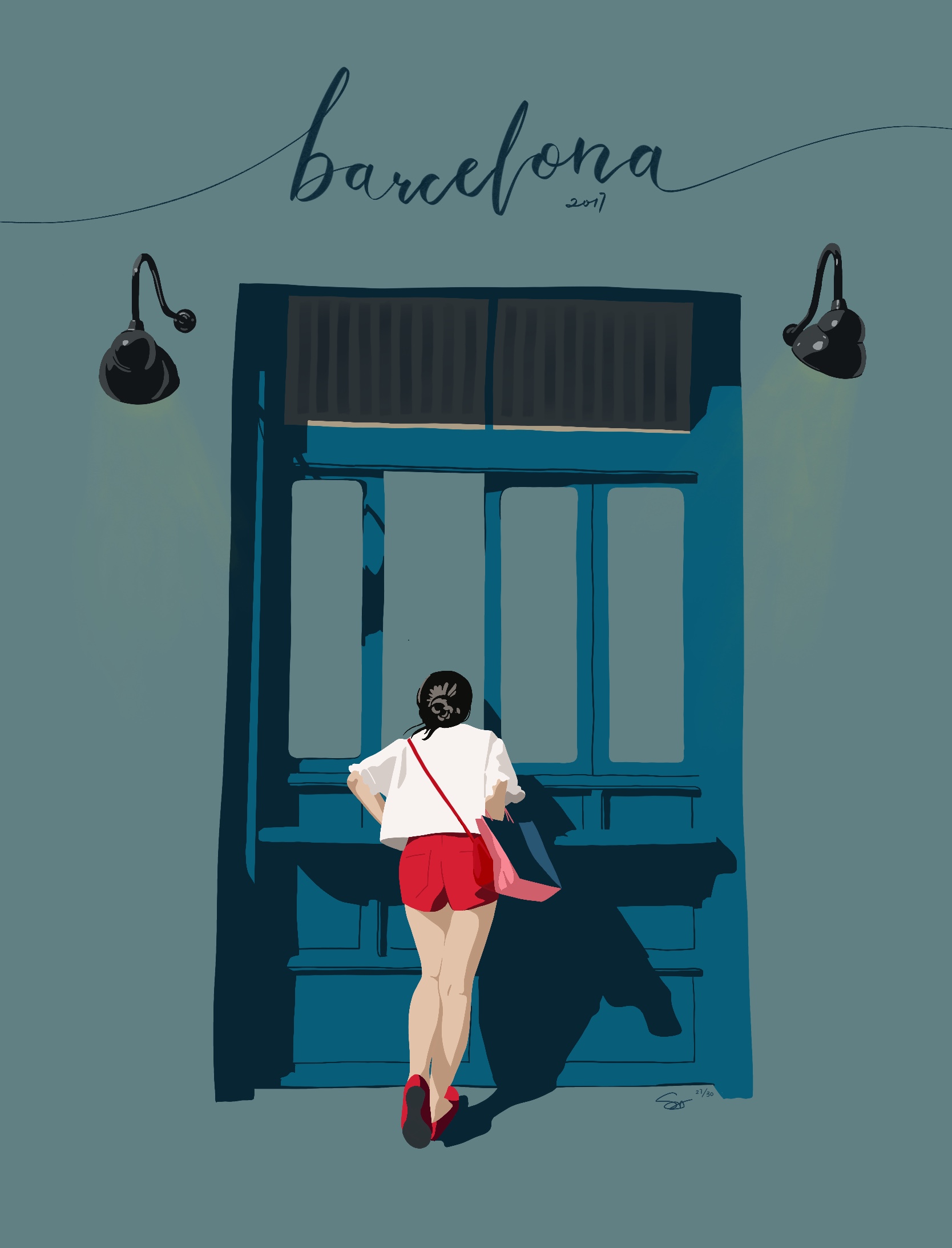
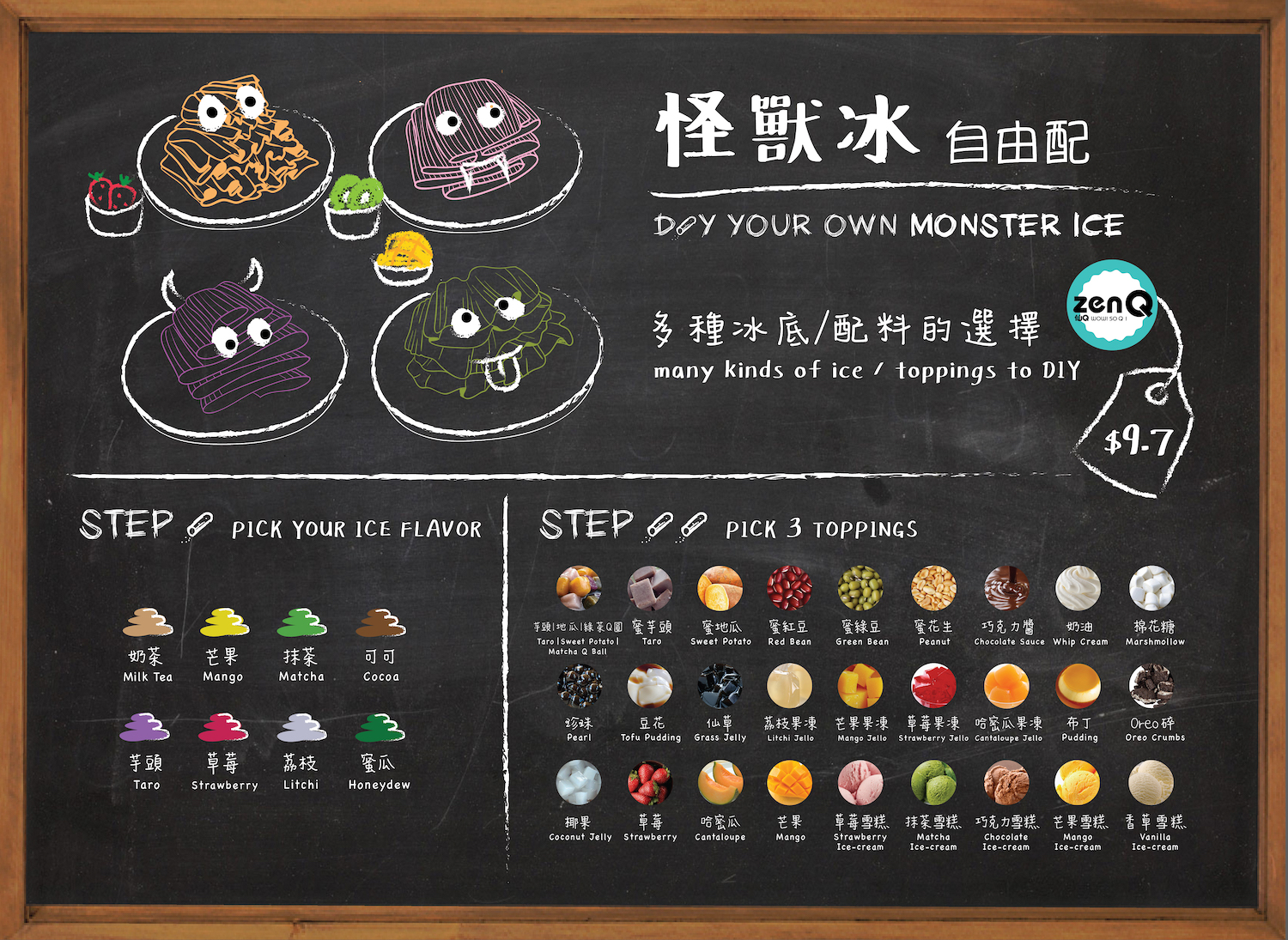
HTML
<div class="playground-container">
	<div class="playground-2 illust-1">
		<img src="img/illustration-1.jpg" alt="illustration of a girl by a blue window">
	</div>
	<div class="playground-1 playground-prj">
		<img src="img/monstermenu-thumbnail.jpg" alt="Spe menu design for ZenQ dessert store">
	</div>
	<div class="playground-3">
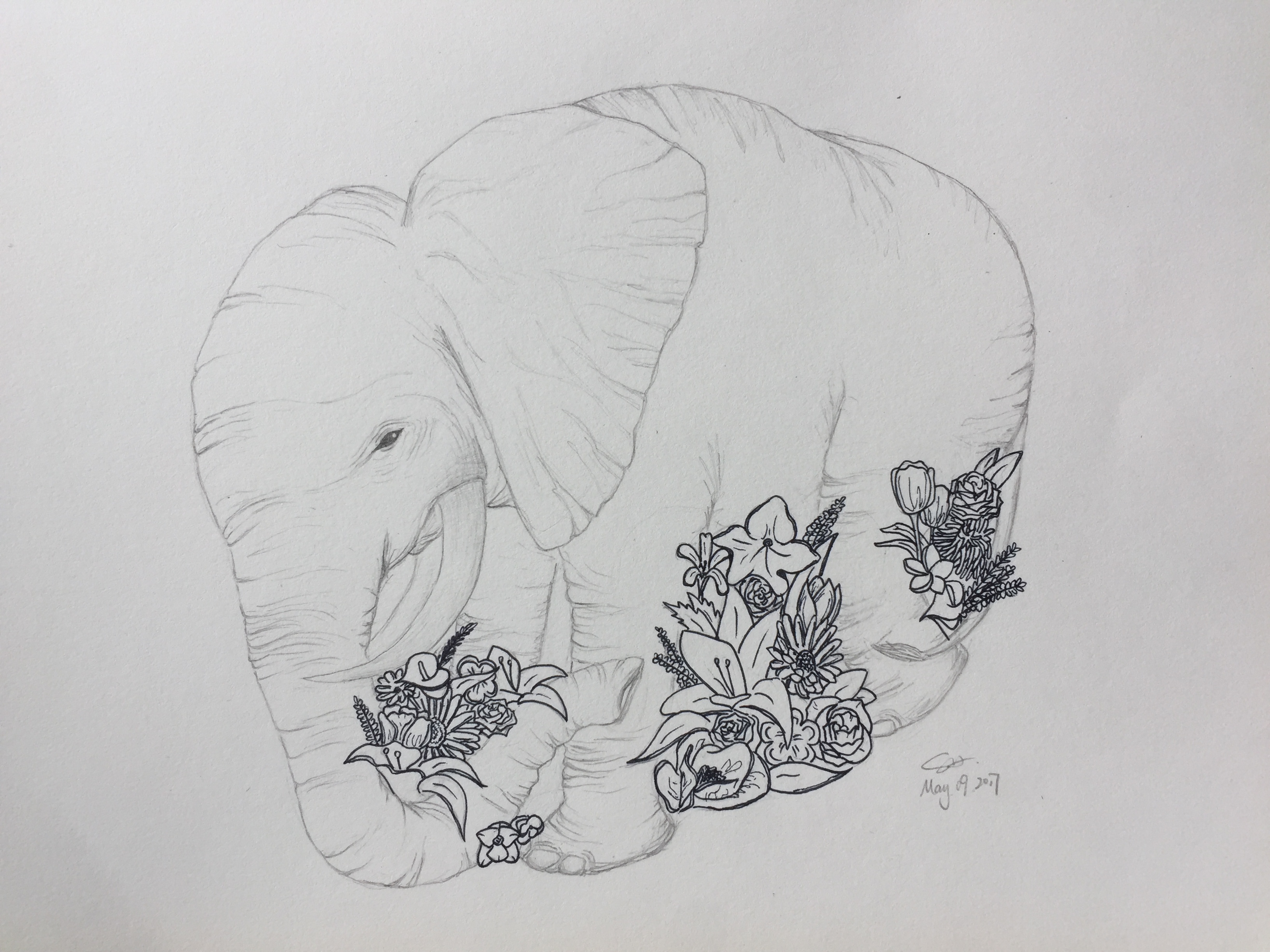
		<img src="img/illustration-4.jpg" alt="Drawing of an elephant with flowers">
	</div>
</div>