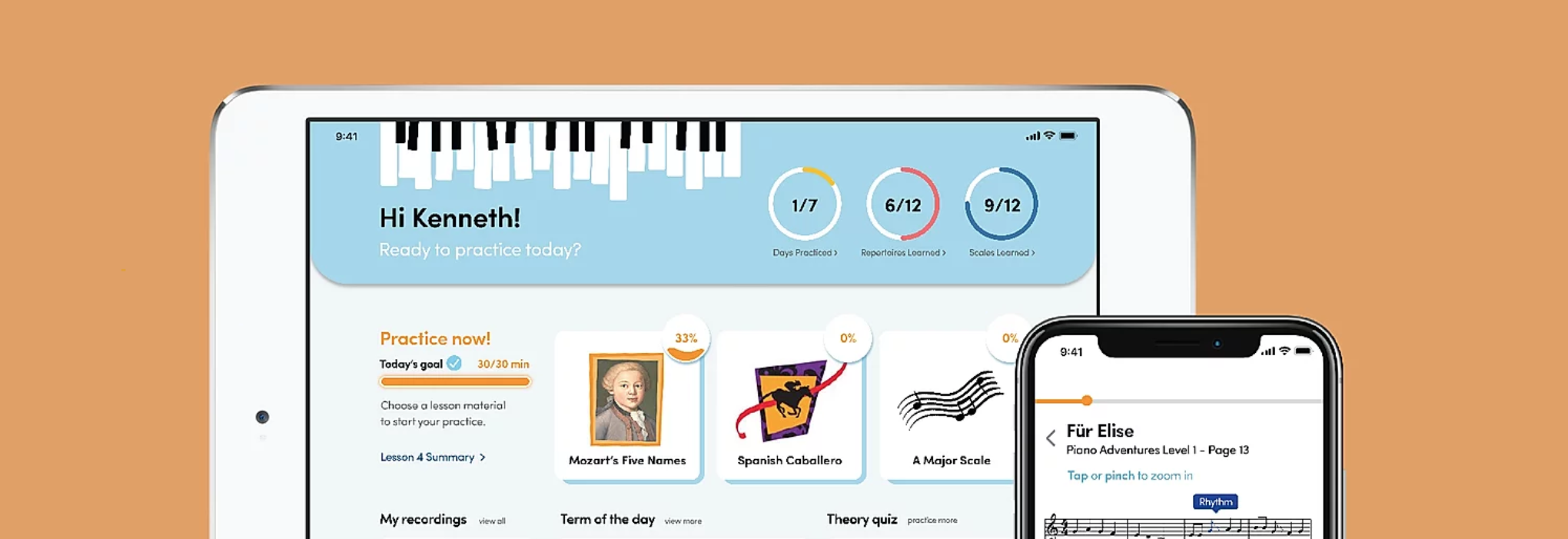
In the course of Interface Design, student teams were asked to create an application interface from scratch with specific and unique purposes. My team decided to go with the domain of musical education, specifically, piano.
Ensemble helps develop a student-centered music learning experience for teachers, parents, and students. It assists piano teachers during the lessons, guides beginner students in practicing and promotes communication between the parents and teachers.
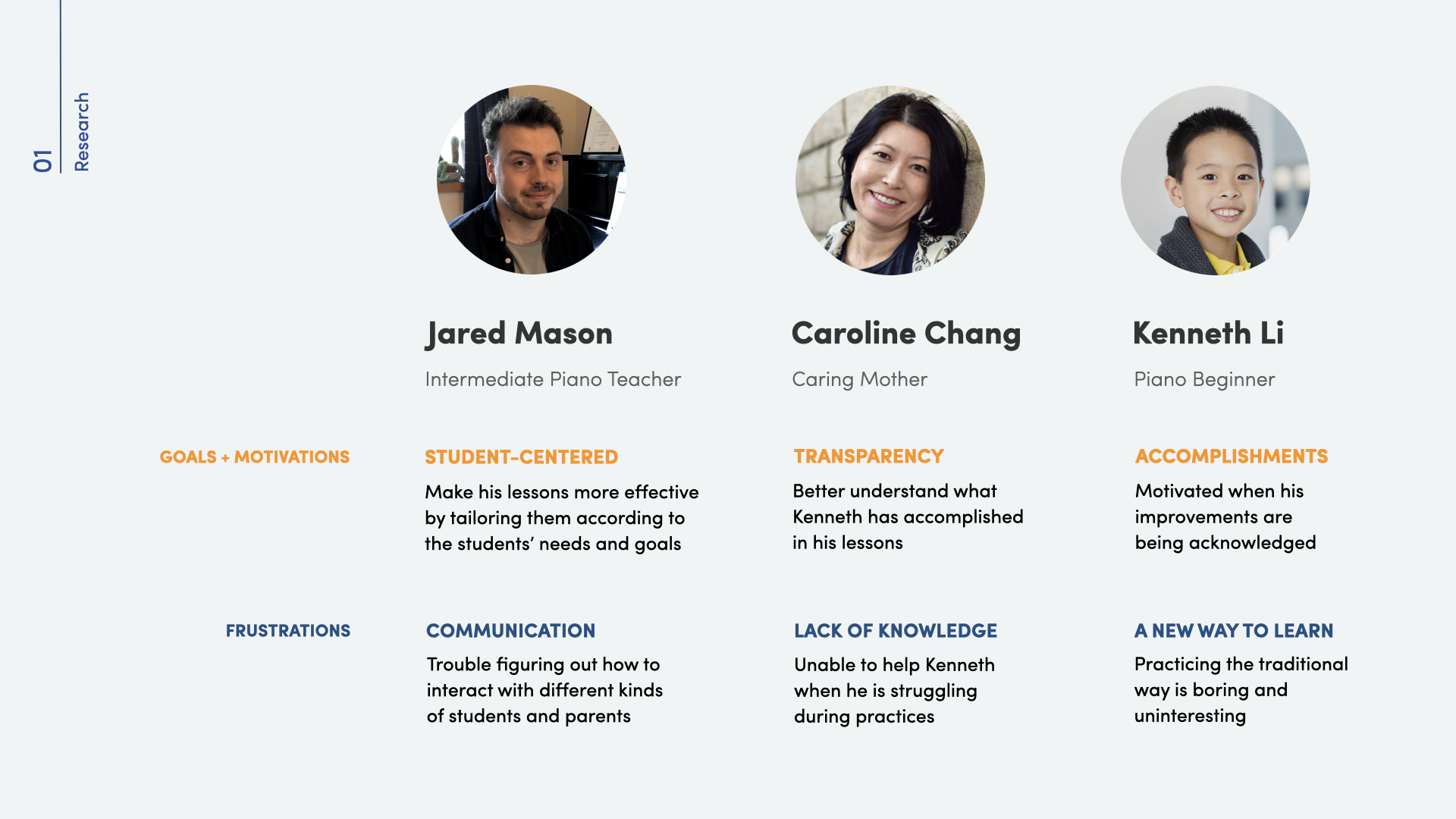
To understand the domain and identify pain points that any stakeholder may have, we began with primary research where we interviewed 21 individuals including teachers, parents and students, and observed 5 piano lessons in action. Some major pain points rose to the surface immediately:
Through our interviews with students, we asked them to look back onto their past experience of learning piano. Majority of them were put into the lesson by their parents without passion to start with, and without passion, piano practices became unbearable to them. Additionally, students usually do not get a say in how and what they want to learn.
The common reasons for parents to put their children into piano lessons were they wished to their children's personality and to discipline them outside of school. Some of the parents also had a high expectation of their children's learning outcome. On the other hand, piano teachers often cannot provide additional care for every student as they have several at once, resulting in the lessons not being tailored.
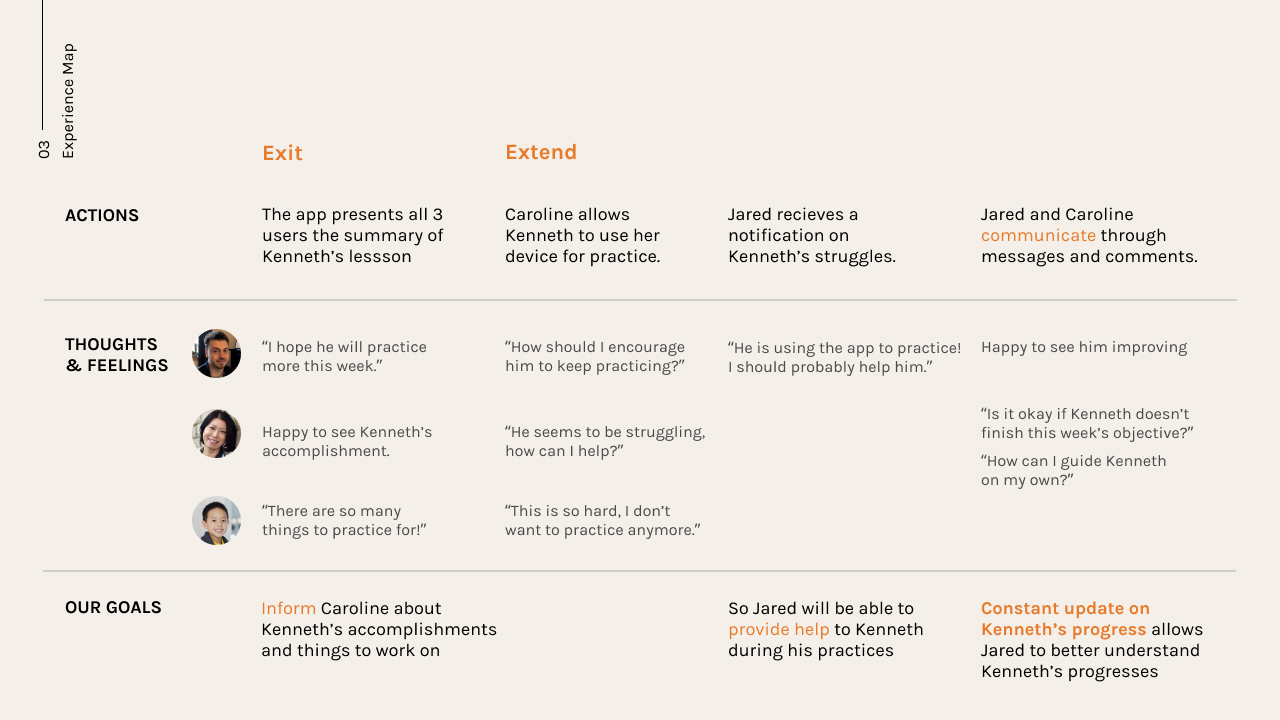
Another crucial issue that we identified was teachers and parents communicate less than we expected. This gap in a child's piano learning journey makes it difficult for the teacher to understand the student's progress outside of class and for difficult for the parents to know how they can support their child.
Based on the research, we were determined to create an application for young piano beginners, while including 3 main stakeholders:
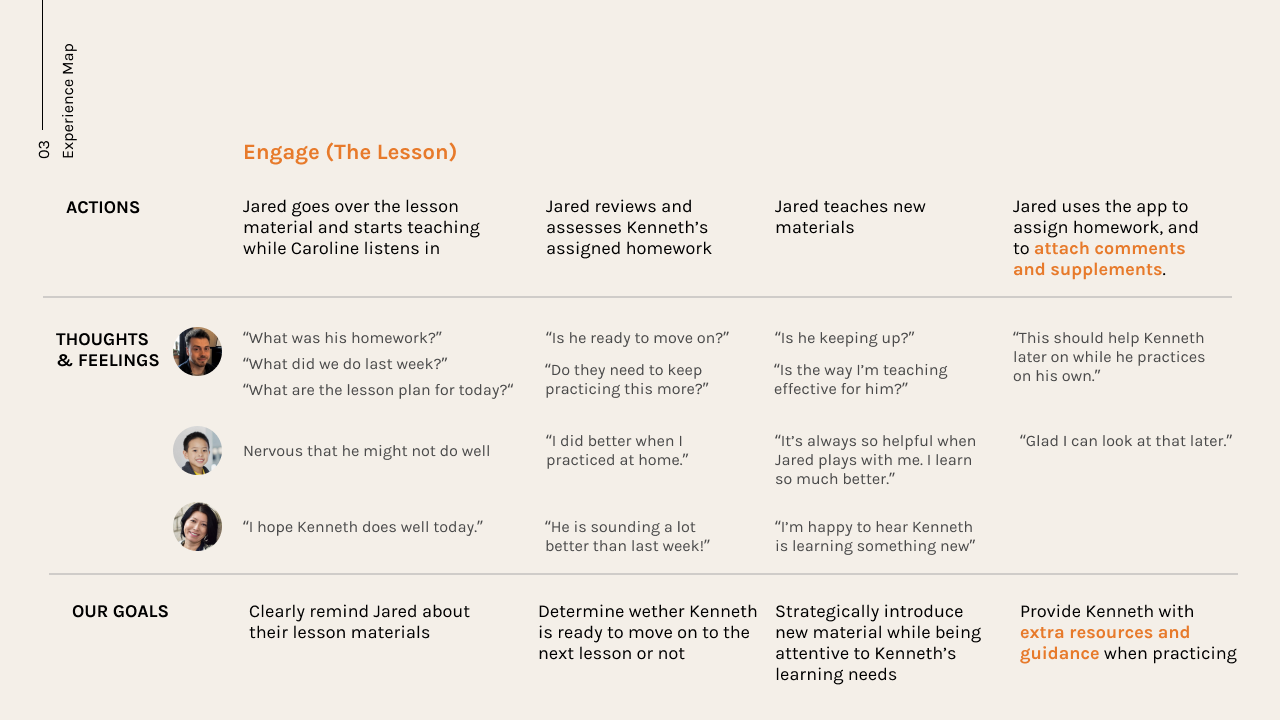
Through mapping out both the Parents and the Teachers' experience with a student's piano learning journey, we discovered that the pain points of the 2 stakeholders created a negative cycle:
and it repeats...
The most effective teaching and learning occurred where the parents, teachers, and students communicated well, demonstrated mutual respect for one another, shared a sense of common purpose, and adopted child-centred, as opposed to teacher-centered, goals.(Upitis, R., Abrami, P. C., Brook, J., & King, M., 2017)
After a secondary research on parental involvement on a child's learning process, we realized that the child is almost always neglected even though it is their own learning journey. Therefore, we were determined to design a tool tailored to young learners that also connects the parents and teachers.
The first step after setting the direction was to explore layouts and flows as a group using Figma. I then became one of the two people who were responsible for creating mid and high fidelity wireframes. For validation and real user feedback, we interviewed a piano teacher and did a quick app walkthrough.
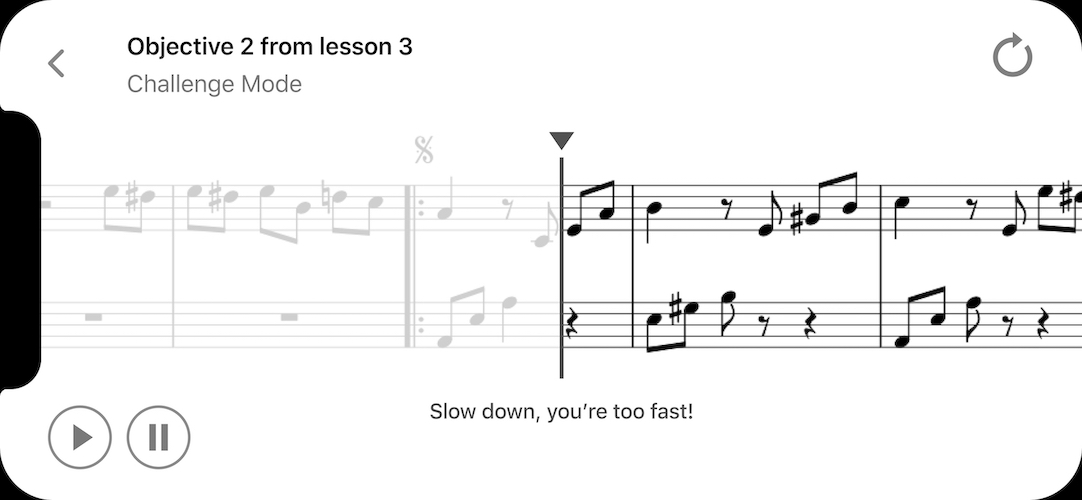
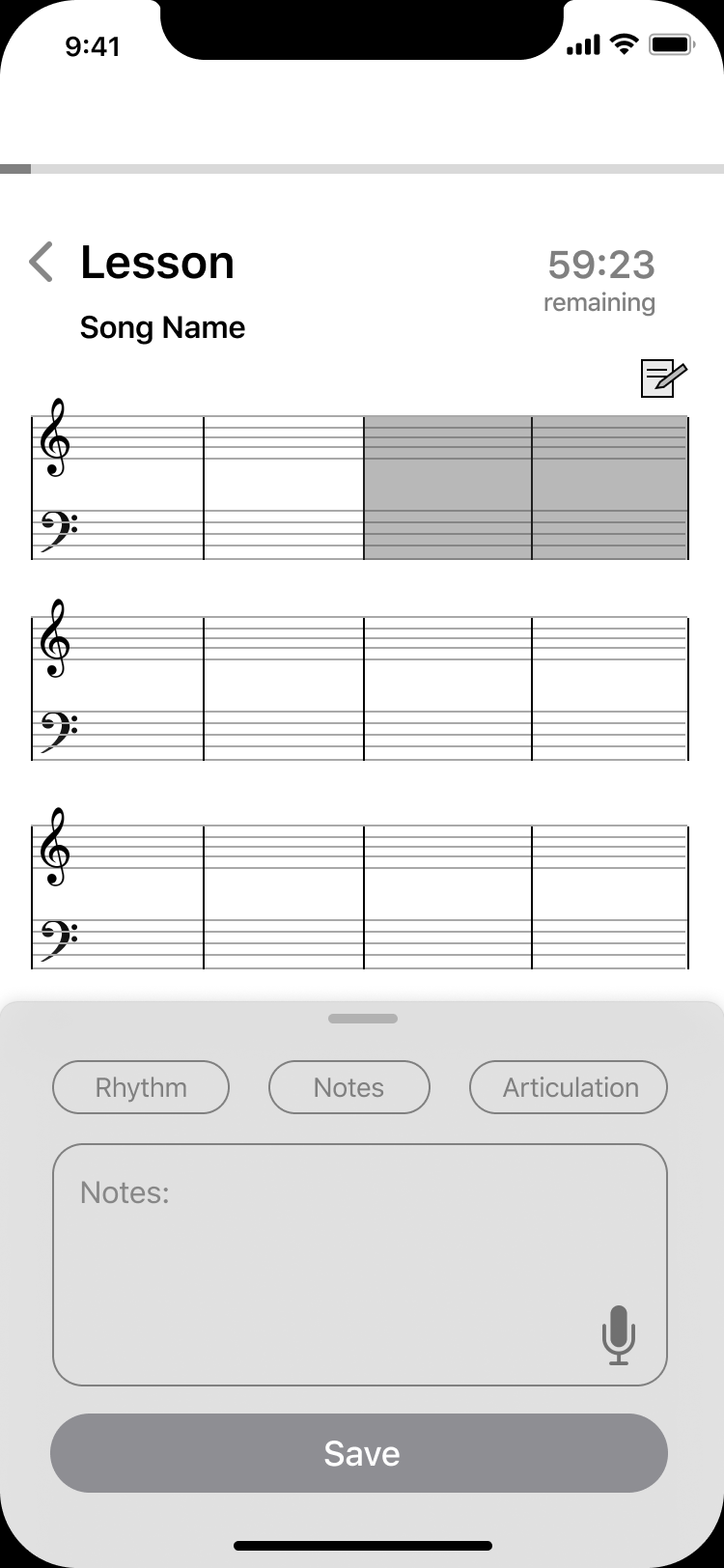
Through interviewing the piano teacher, we understood that the lessons are usually very fast-paced. Thus, we aimed to improve the interaction within the app to be more natural and concise, such as introducing a digital music sheet with a swipe annotation method (reflecting the current way of note-taking in lessons: circling on paper).
The landscape practice mode was also replaced by a tablet mode because we learned the majority of young students nowadays have access to tablets and the increased screen size was more suitable for practicing piano.
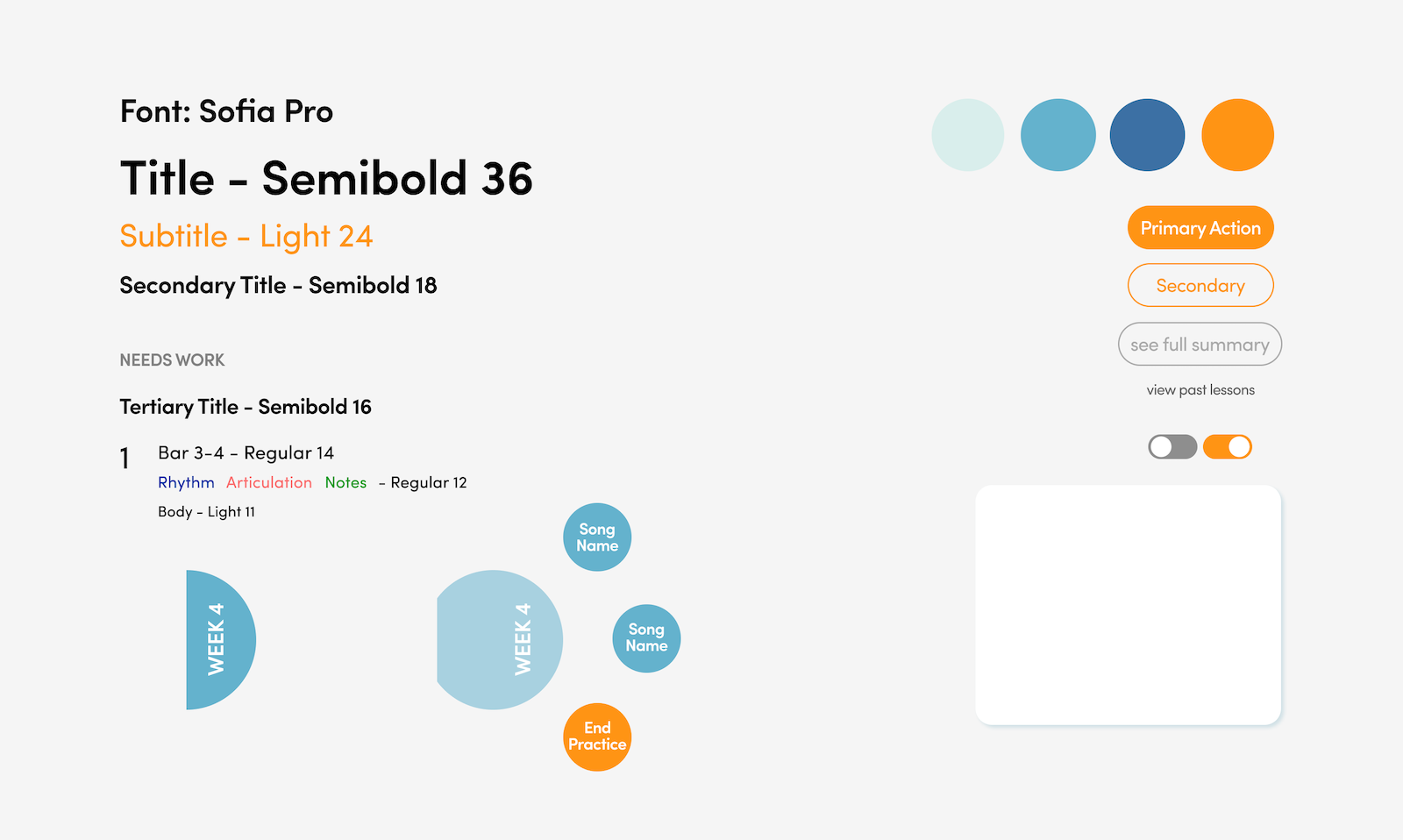
I played a key role in setting a visual direction for Ensemble. The vision for the app was to be vibrant, engaging and motivating. The rounded typeface and corners of elements reflected such personality. Additionally, I explored with more intriguing menus for the tablet platform to bring out a sense of liveliness.
Collaborating with another teammate on Figma, we planned out all the screens in the major flows, and resulted in designing around 50 screens for the mobile platform and 20 screens for the tablet platform. I then prototyped the entire mobile platform for a complete flow using Principle.
As a team, we created variations of 2 parts of the flows to perform A/B testings. The first one was to test what annotation method that teachers prefer, while the second being what type of feedback would motivate and help young learners learn better.
My role was to test with 1 young user as well as to synthesize the test results with the group. Through these two sets of A/B testings, we gained valuable insights into what worked and what didn't, which were considered in the final design.
After finalizing the flow and mockups with another teammate, I prototyped the mobile platform once again with the updated designs.
Teachers
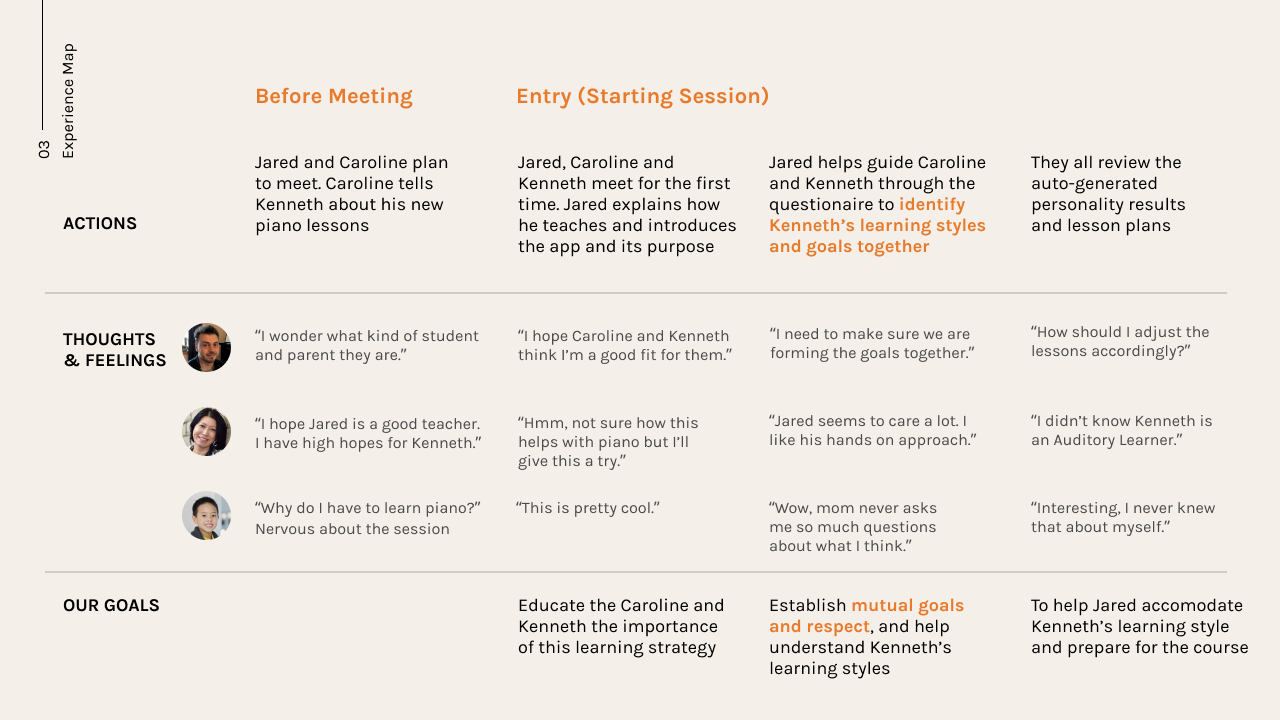
The teacher goes through a simple process of inviting their new student (or their guardian) to join Ensemble.
Parents / Guardians
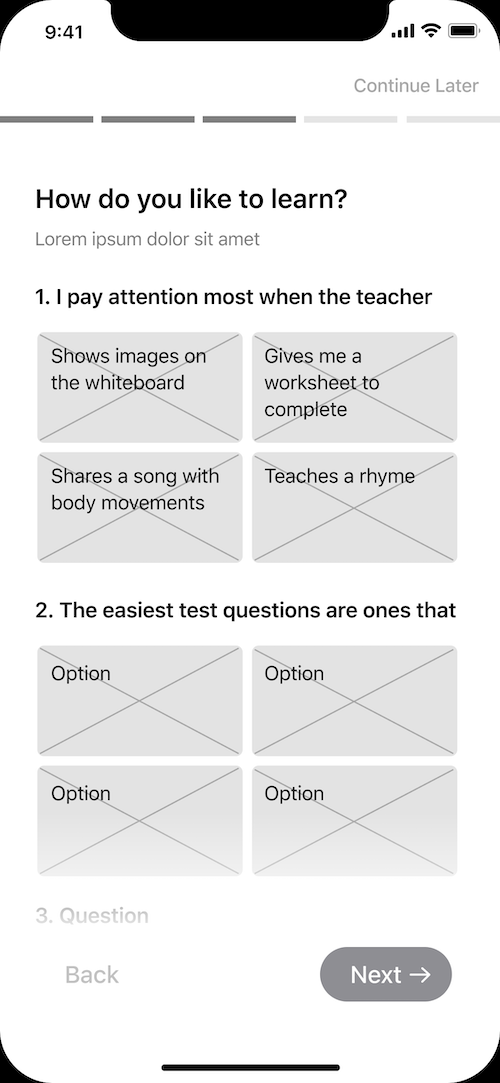
After downloading Ensemble, the guardians are required to set learning goals and target practice time together with the student, as well as to inform the teacher with the student's previous piano experience.
Teachers
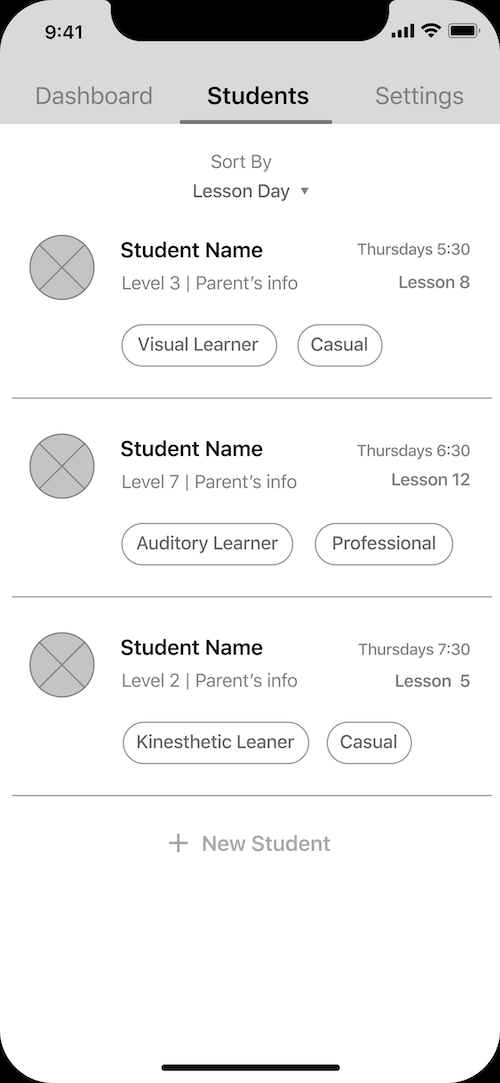
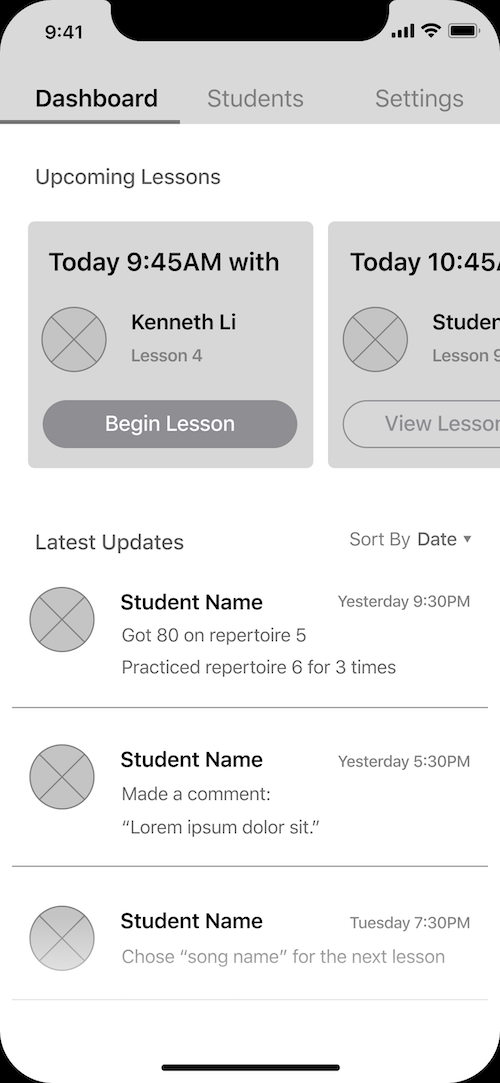
The teacher would be able to view their new student's profile and create lesson plans accordingly. Partnering up with major piano institutions provides the teacher with easy access to a library of lesson materials and a seamless experience within the app.
Teachers
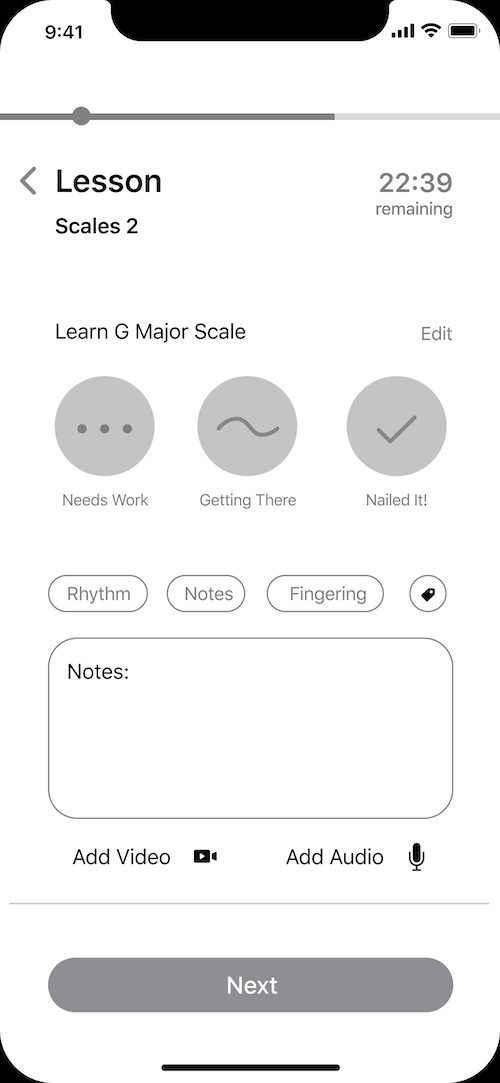
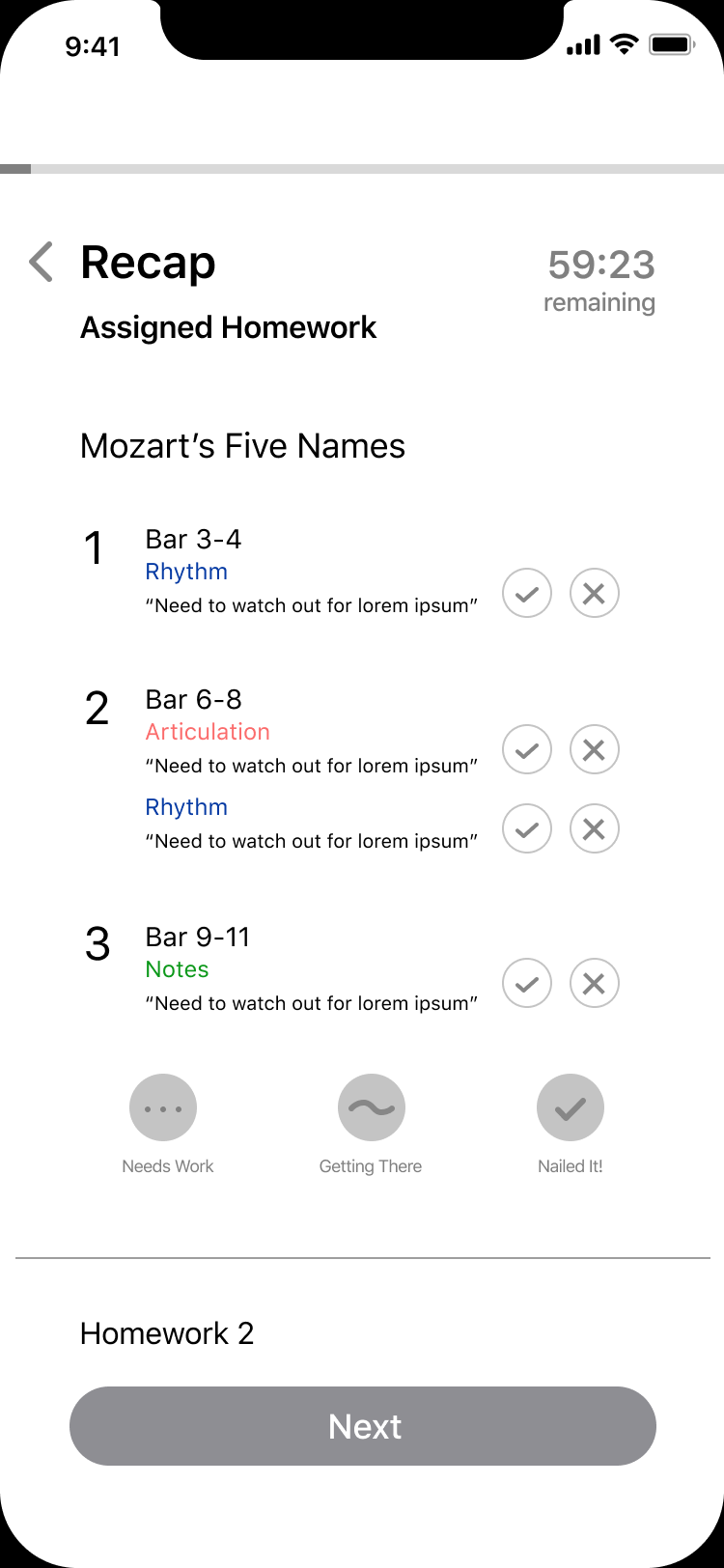
During each lesson, the teacher is able to assess homework, annotate sheet music, and assign homework within the app.
Parents / Guardians
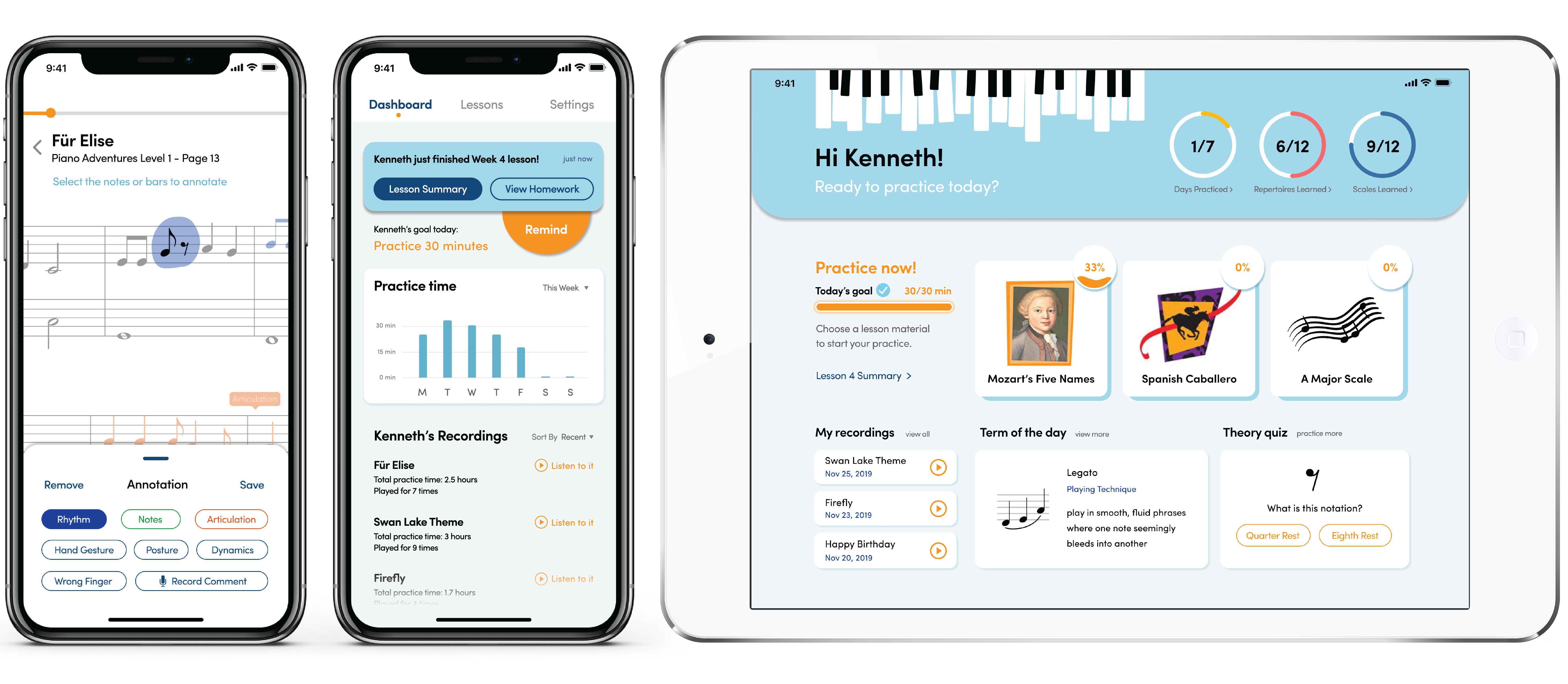
After each lesson, the parent (or guardian) can access the lesson summary on their dashboard. Other potential features: track the student's recent practice stats, listen to practice recordingsand send a practice reminder.
Students
On the student's dashboard, not only are they prompted to practice the songs they are learning this week, but they can also see their goals, accomplishments and progress.
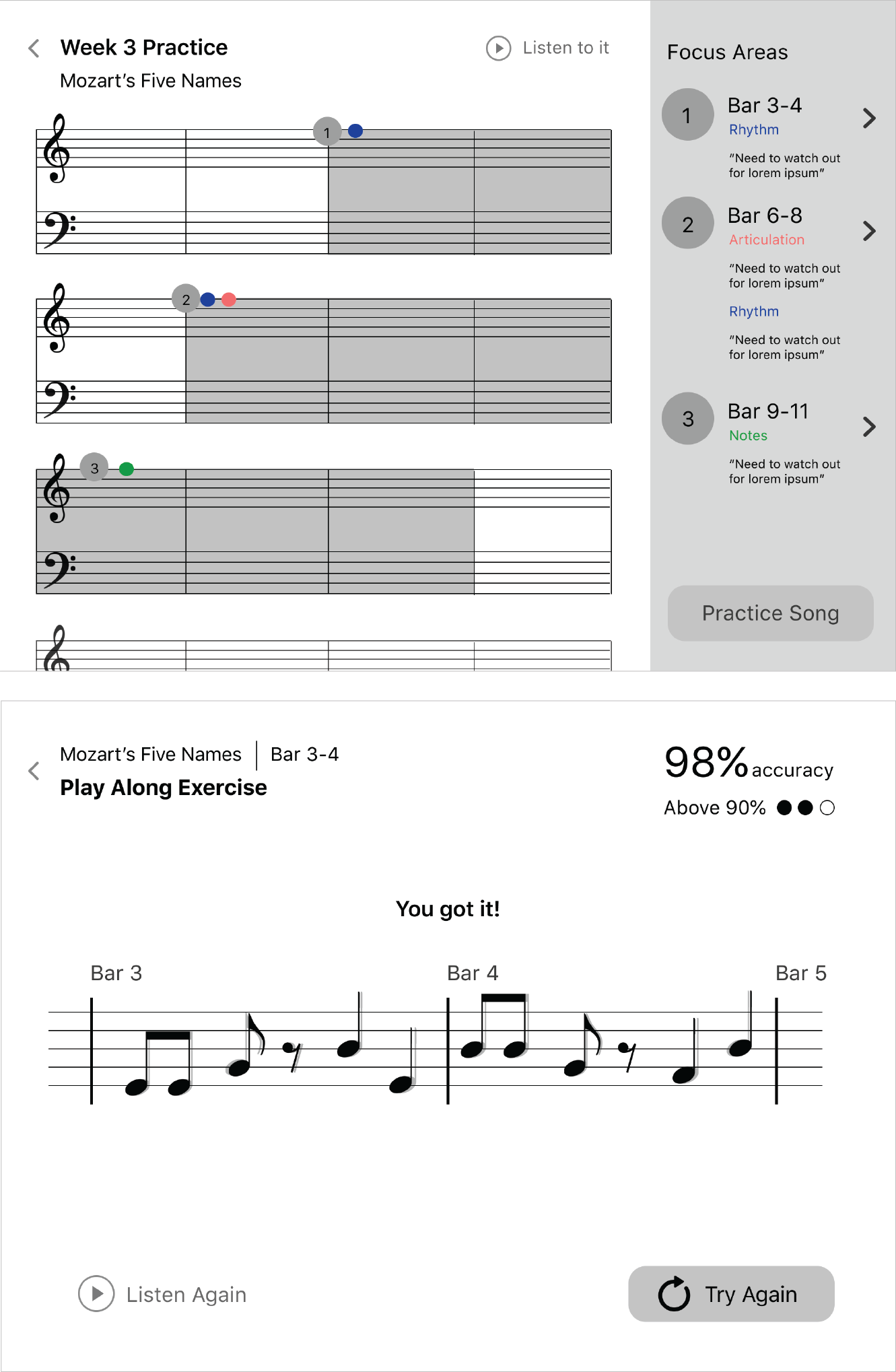
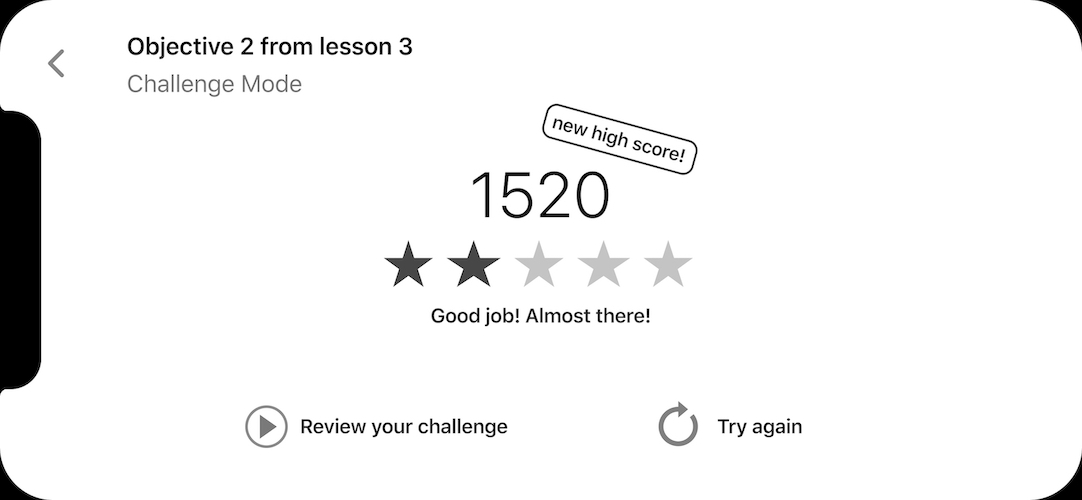
In the practice mode, each song provides them with guided practices on the problem areas identified by the teacher. In this case, a "rhythm problem" is broken down into 2 stages, where the student needs to go through the clapping and playing-along exercises to complete this part of the homework.
Student's dashboard and "Clapping" exercise.
"Play Along" exercise and practice progress.
Teachers
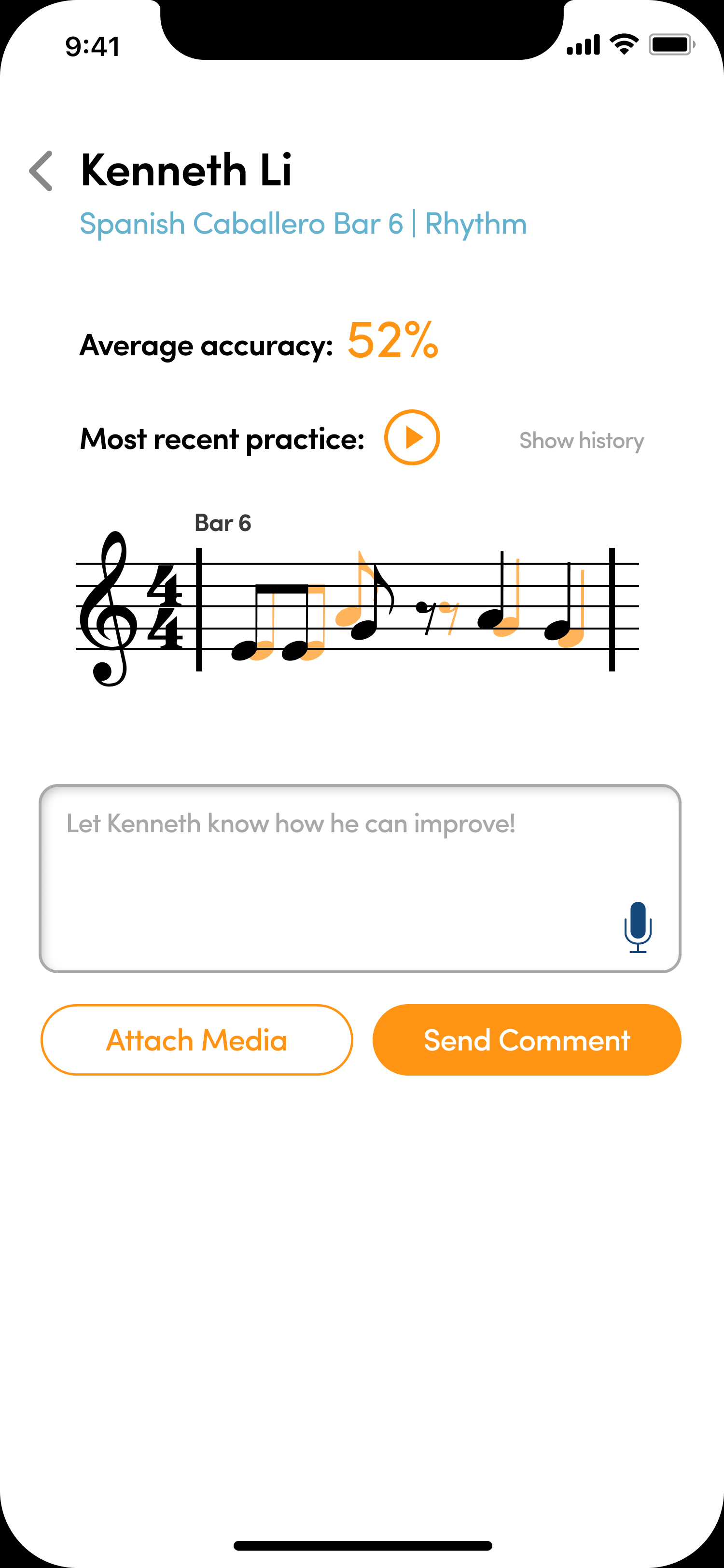
In the event of a student struggling with an exercise and keeps receiving low scores, the system would notify the teacher so they can provide some immediate feedback.
Note: We understand that teachers are not obligated to teach outside of the class, so it is optional to provide feedback. However, it makes their lives easier when the students come into the lesson prepared.
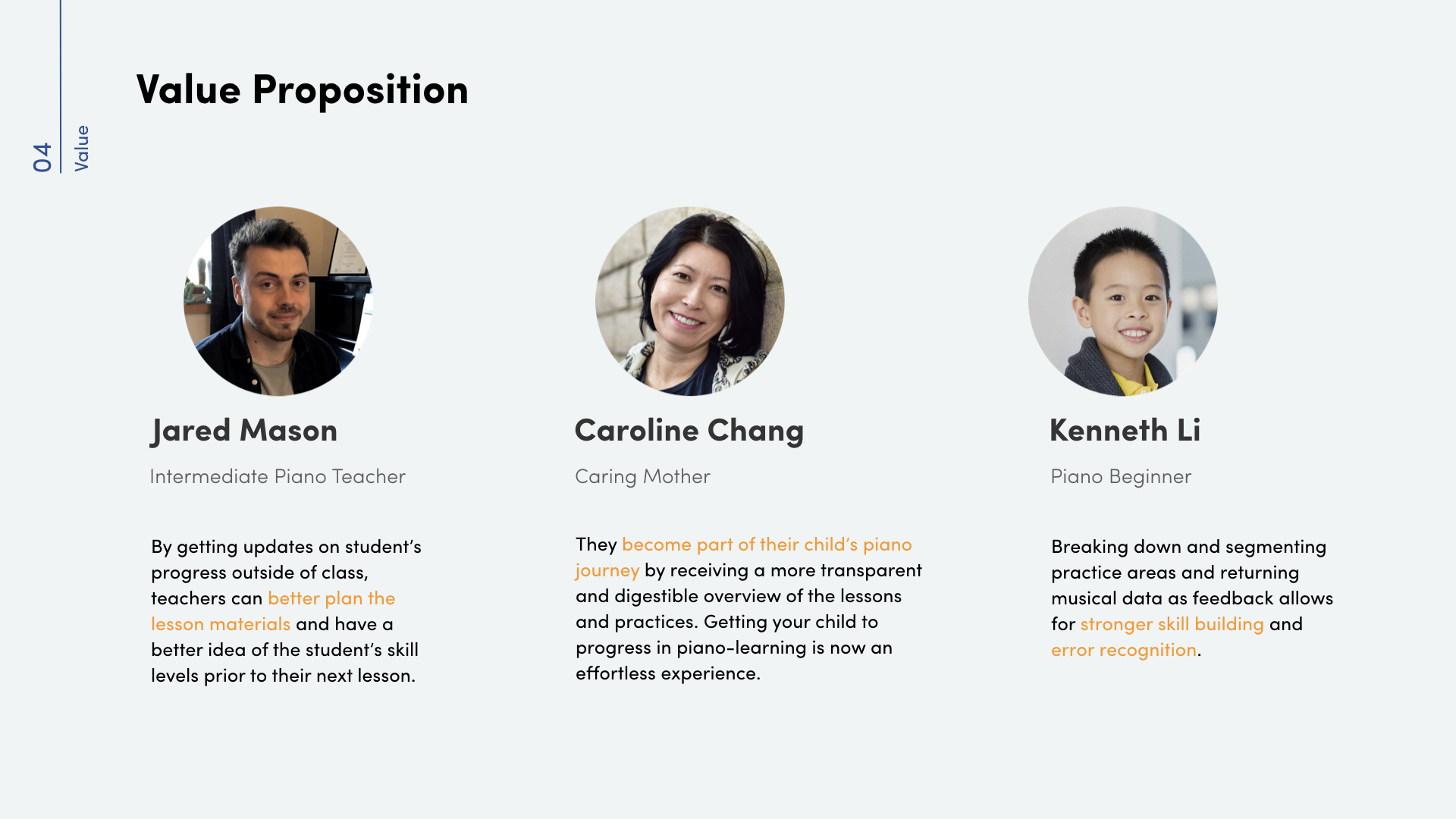
Ensemble offers 3 sets of value propositions for the piano teachers, parents and students.
According to the professor and senior student guests who attended the final showcase, this project was one of the most well-rounded experiences with values for multiple stakeholders.
The challenge was to create a complete application across 2 platforms in a short time frame. It was especially challenging to seamlessly connect the 3 sides together. However, if I was given more time on the project, I'd like to refine the tablet platform as there are some interesting features that have potentials, as well as work out the interaction between students and parents across 2 devices.
UX Design
Visual Design
Co-op Experience, UX/UI Designer